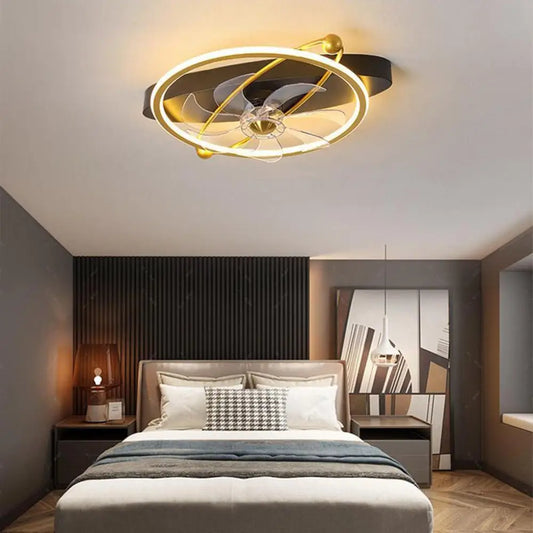
Choosing controls for your everyday routine
Start with where you will be when you change the fan speed or light. A convenient control is one you can reach, understand and use for the adjustments you make most often.
Choose where you want to make adjustments
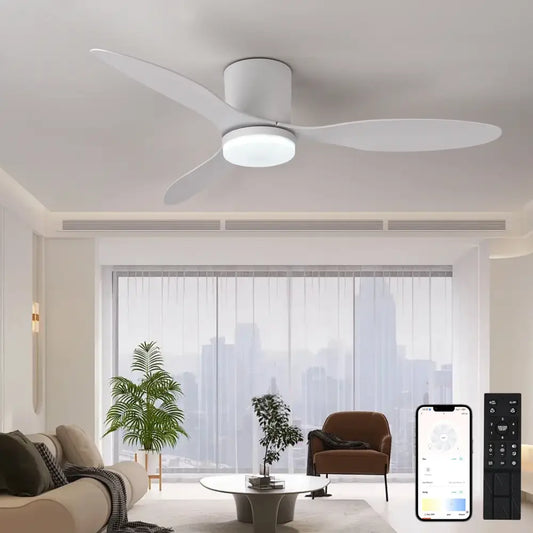
- From bed or the sofa: Prioritize a supported handheld control when you want to adjust the fan without returning to a wall switch. Decide where the handset will live between uses.
- At the room entrance: Compare a supported wall control if a fixed operating point suits the household. Choose a combined arrangement only when that exact fan supports it.
- From a phone: If phone or voice operation is part of your routine, look for explicitly documented app support and any extra equipment it needs. A handset alone does not provide those functions.
Pick the functions you will actually use
- Fan speed: Compare the available speed steps and how easily you can select them on the controller, rather than choosing by the number of buttons.
- Fan and light: For a lighted configuration, compare independent fan and light operation. Brightness adjustment and color-temperature changes are separate features.
- Your existing lighting: If the room already has lights you like, compare a no-light version and keep the fan’s controls focused on air movement.
Match the control to your routine
Start with where you make everyday adjustments.
Match the control to your routine
| Your everyday priority | Start by comparing | Why it helps |
|---|
| Adjusting from a seat or bed | A supported handheld remote package | Keeps routine adjustments within reach |
|---|
| A consistent place everyone can find | A supported wall control or documented combined system | Provides a fixed operating point |
|---|
| Phone or voice operation | Explicit smart support and required equipment | Separates connected features from an ordinary handset |
|---|
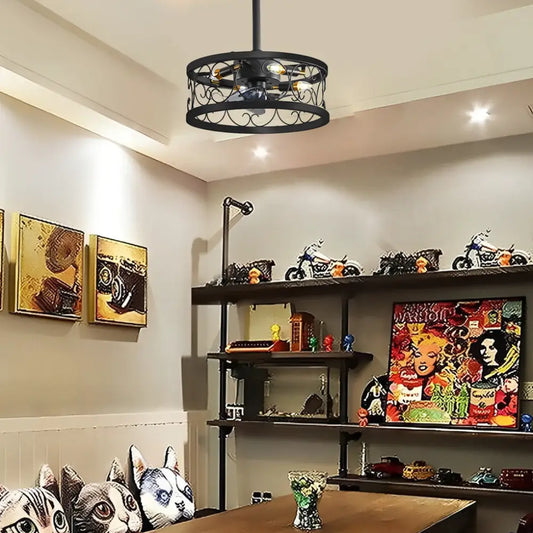
Package note: the Industrial Vintage listing currently separates DC wall switch, DC double control and DC remote control options. The wall-switch label does not establish a supplied handset. Check the chosen controller, receiver and supported functions together; option names are not a verified accessories list.
Back to Télécommande de ventilateur de plafond
Télécommande de ventilateur de plafond Questions
What should I compare first when choosing a remote-control ceiling fan?
Start with where you will operate it and the adjustments you need: fan speed, a light, or both. Then compare the fan’s size, mounting and the exact control package rather than choosing the handset in isolation.
Is a handheld remote included with every configuration?
It is not confirmed for every option. Some listings separate wall and remote configurations. Before ordering, establish whether the selected package supplies the handset and any receiver the system needs.
Can the remote control the fan and light separately?
Some systems provide separate functions, but you need the exact configuration’s function list to know what is supported. Look for independent fan/light operation; a light button alone does not establish dimming.
Does remote control mean the light is dimmable?
No. On/off, brightness adjustment and color-temperature selection are different functions. Choose the adjustments that the selected light and controller explicitly support.
Can I keep my existing wall switch?
That depends on the fan system and the existing switch. Have the installer compare them with the model instructions; an ordinary light dimmer is not a substitute for a specified fan control.
Can I use both a remote and a wall control?
Choose a combined setup only when it is documented for the exact fan and compatible controller. Decide whether you want a fixed entrance control as well as a handset, then select a supported package.
Does a remote-controlled fan work with an app or voice assistant?
Not automatically. Phone and voice functions require explicit model support and may need a network or additional equipment. A handheld remote describes a control method, not smart-home compatibility.
What if I lose the remote?
Use the fan model and controller or receiver identification to find a supported replacement. A similar-looking handset is not enough to establish compatibility; keep the original model information after purchase.
Can a fan without a light still have remote control?
Yes. Lighting and control choices are separate. Compare the no-light configuration’s supported controls and included equipment just as you would for a lighted version.
Is this collection for complete fans or replacement handsets?
It groups complete fan listings. For a replacement handset or receiver, identify the existing fan and control system before seeking a compatible part.